

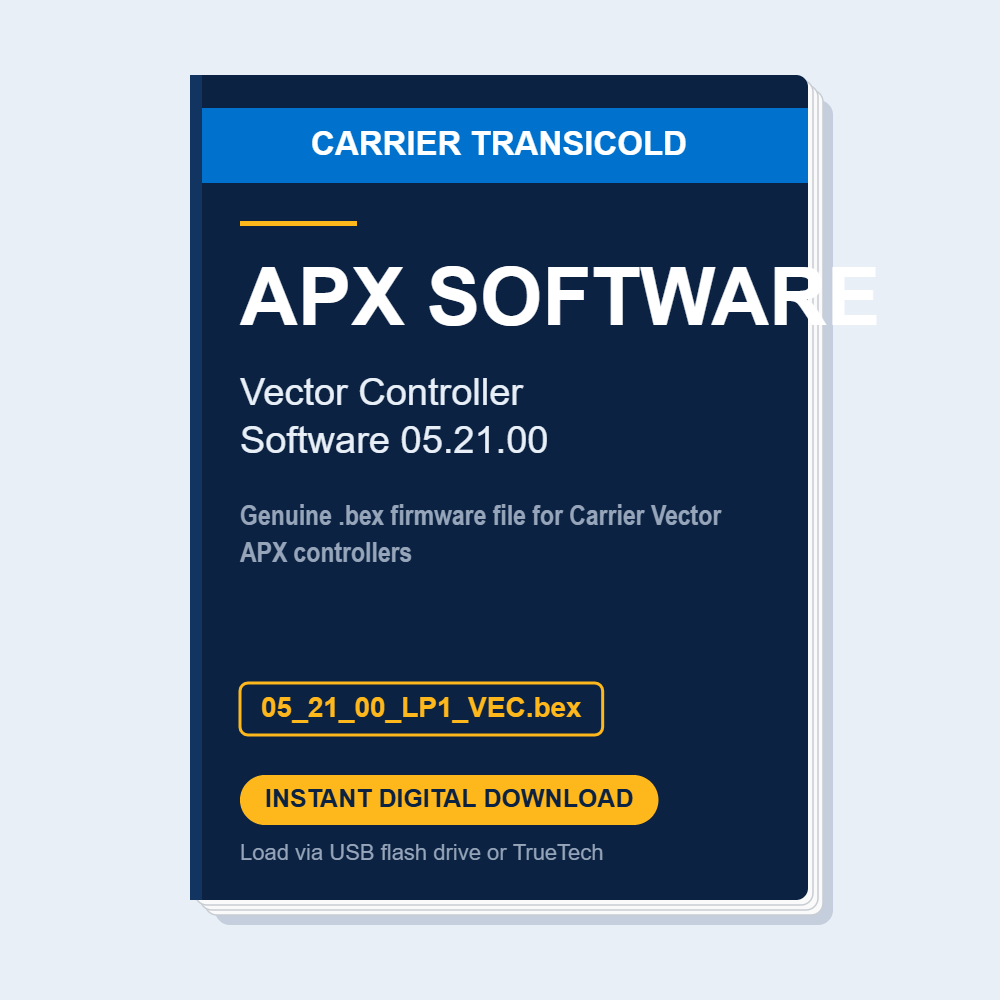
Carrier Vector APX Controller Software 05.21.00 (.bex Download)
Carrier Vector APX Controller Software 05.21.00 (.bex file) | Instant Digital Download
Share :
Genuine Carrier Transicold Vector controller software, version 05.21.00, delivered as the .bex firmware file (05_21_00_LP1_VEC.bex) used to update the APX control system on Vector trailer and rail refrigeration units. Keep your Vector units running the current controller software for the latest operating logic, alarm handling and feature support — without waiting on a dealer visit.
What you get:
✅ Controller software file 05_21_00_LP1_VEC.bex (version 05.21.00) for Carrier Vector APX controllers
✅ Instant download immediately after purchase — no shipping, no waiting
✅ Load in minutes using an APX USB flash drive or Carrier TrueTech communication software
How to install:
1. Copy the .bex file to a compatible USB flash drive (we sell the Carrier APX USB Flash Drive 12-00814-00) or load it through TrueTech.
2. Connect to the APX controller and follow the on-screen software update prompts.
3. Verify the software version in the controller's configuration screen after the update completes.
Compatibility: Carrier Vector units with the APX control system (Vector 8500, 8600MT, 8100 and related APX-equipped models). Check your current controller software version and your unit's requirements before updating.
Format: .bex file, 1.3 MB • Delivery: Instant download after purchase
Need the tools too? See our Carrier Transicold TrueTech Communication Software 1.21, APX USB Flash Drive 12-00814-00 and APX Communication Cable 22-01690-04.
