

Thermo King Wintrac 6 Training Video Series
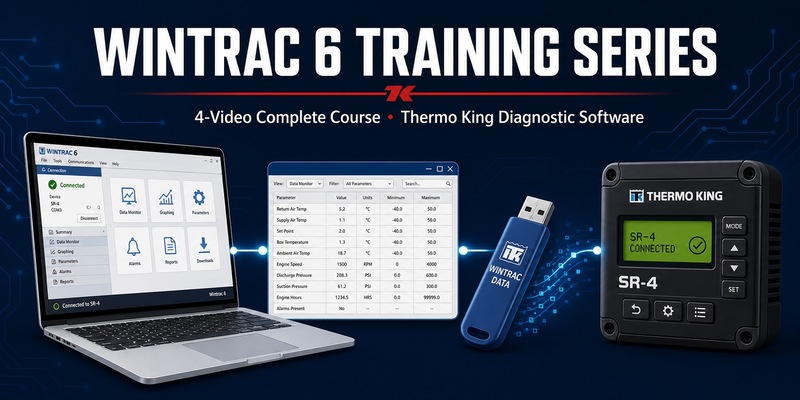


Wintrac 6 Training Video Series
Master Wintrac 6 with 4 focused, on-demand training videos. Whether
you're a technician, fleet manager, or shop owner, this series takes
the guesswork out of connecting to units, pulling downloads,
filtering logs, and flash-loading SR-4 software. No fluff — just the
exact steps you need to get the job done.
Non-returnable
$47.00 $97.00
Share :
Product Details
VIDEO 1 — CONNECTING TO WINTRAC 6.15 AND LATER
DESCRIPTION:
Wintrac 6.15 introduced changes to how the software communicates
with Thermo King units — and if you're used to older versions, the
new connection workflow can trip you up. This video walks you
through the entire process step-by-step so you can get connected on
the first try, every time.
WHAT YOU'LL LEARN:
- Setting up Wintrac 6.15+ for first use
- Configuring communication ports and driver settings
- Establishing a stable connection to your Thermo King unit
- Troubleshooting the most common "no connection" errors
- Verifying your handshake before pulling data
VIDEO 2 — FILTERING TABULAR DATA IN WINTRAC 6
DESCRIPTION:
A single download from a reefer unit can contain thousands of rows
of temperature, sensor, and event data. Finding the fault you
actually care about is a needle-in-a-haystack job — unless you know
how to filter. This video shows you exactly how to slice Wintrac's
tabular data down to the events that matter.
WHAT YOU'LL LEARN:
- Navigating the tabular data view
- Applying column filters (temperature ranges, alarm codes, time windows)
- Building custom filter combinations for recurring diagnostic tasks
- Sorting and grouping data for faster fault isolation
- Exporting filtered results for reports and warranty claims
VIDEO 3 — PULLING A DOWNLOAD USING A FLASH DRIVE
DESCRIPTION:
Not every truck is parked next to your laptop. When you need to
grab a data download from a unit in the field, a USB flash drive
is the fastest, most reliable way to get it done. This video shows
you the complete workflow — from prepping the drive in Wintrac to
safely extracting your data.
WHAT YOU'LL LEARN:
- Formatting and configuring a USB flash drive for Wintrac
- Connecting the drive to a Thermo King unit's USB port
- Initiating and verifying the download on-unit
- Bringing the data back into Wintrac 6 for review
- Best practices to avoid corrupted or incomplete download.
VIDEO 4 — UNZIPPING SR-4 UNIT SOFTWARE AND PUTTING IT ON A FLASH DRIVE
DESCRIPTION:
Flash-loading an SR-4 controller is one of the most common — and
most misunderstood — service jobs. The software files come zipped,
and if you don't prep the flash drive correctly, the unit won't
accept the update. This video walks you through the entire process
from downloaded ZIP to a working, bootable flash drive.
WHAT YOU'LL LEARN:
- Locating and downloading the correct SR-4 software package
- Unzipping software files correctly (and what NOT to unzip)
- Structuring files on the flash drive so the SR-4 recognizes them
- Verifying the flash drive is ready before you head to the unit
- Common flash-load failures and how to prevent them
Ratings And Reviews
